
Download Carracho Tracker – free Mac server controller tool
Carracho Tracker ist ein leichtgewichtiges, kostenloses Dienstprogramm, das speziell für Mac‑Benutzer entwickelt wurde, die einen zentralen Hub benötigen, um mehrere Carracho‑Server zu verwalten. Es gehört zur Kategorie Internet‑Software mit Fokus auf Server und vereinfacht die Server‑Überwachung, Konfiguration und Echtzeit‑Status‑Updates – alles aus einer einzigen, intuitiven Oberfläche. Erstveröffentlicht im Jahr 2005 und zuletzt aktualisiert am 2 September 2009 (Version X 1.0), hat Carracho Tracker eine bescheidene, aber stetige Anhängerschaft gewonnen und seit seinem Debüt über 500 Downloads verzeichnet. Obwohl die Software nur auf Englisch verfügbar ist und ausschließlich unter macOS X (einschließlich älterer Versionen) läuft, machen ihre Einfachheit, der geringe Speicherbedarf und die kostenfreie Lizenz sie zu einer attraktiven Option für Entwickler, Systemadministratoren und Hobbyisten, die Carracio‑Dienste auf macOS‑Maschinen betreiben.
Die Hauptmission des Programms besteht darin, das Jonglieren mit mehreren Terminal‑Fenstern oder Drittanbieter‑Konsolentools beim Überwachen einer Flotte von Carracho‑Servern zu eliminieren. Durch die Konsolidierung wesentlicher Funktionen – wie Start/Stop‑Steuerung, Log‑Inspektion und Leistungsmetriken – in einem einzigen Dashboard spart Carracho Tracker Zeit, reduziert menschliche Fehler und liefert ein klareres Bild des gesamten Server‑Gesundheitszustands. Egal, ob Sie eine einzelne Testumgebung oder einen produktionsreifen Cluster betreiben, das saubere Design und die reaktionsschnellen Bedienelemente des Tools helfen Ihnen, Ihre Infrastruktur im Griff zu behalten, ohne Systemressourcen zu verschwenden.
Key Features That Set Carracho Tracker Apart
- Centralized Server Dashboard: View the status of all connected Carracho servers in one glance, with color‑coded indicators for running, stopped, or error states.
- One‑Click Start/Stop Controls: Launch or halt any server instantly from the main window, eliminating the need for command‑line scripts.
- Live Log Streaming: Tail server logs in real time, filter by keywords, and export logs for later analysis.
- Performance Metrics: Monitor CPU, memory, and network usage per server, with historical charts that help spot trends.
- Secure Connection Management: Supports SSL/TLS encrypted communication between the tracker and Carracho servers, ensuring data integrity.
- Lightweight Installation: The installer occupies less than 10 MB of disk space and requires no additional runtime dependencies.
- Automatic Update Checks: Periodic notifications let you know when a newer version is available, keeping the tool current without manual searching.
- Customizable Alerts: Configure email or desktop notifications for critical events such as server crashes or high resource usage.
- Multi‑Language Support (Future‑Ready): While currently English‑only, the codebase is structured for easy localization.
Installation & Usage Instructions for macOS
Getting Carracho Tracker up and running on your Mac is straightforward. Follow these step‑by‑step instructions to ensure a smooth installation and start managing your Carracho servers in minutes.
Step 1: Download the Installer
Visit the official Carracho website or a trusted software catalog and click the “Download Carracho Tracker” button. The file is a compressed .dmg package named CarrachoTracker_X_1.0.dmg. Because the software is free, you will not be prompted for payment information.
Step 2: Verify the Download
Although the program is distributed without charge, it is always wise to verify the integrity of the download. Open Terminal and run:
shasum -a 256 /path/to/CarrachoTracker_X_1.0.dmg
Compare the resulting hash with the one published on the download page. A match confirms that the file has not been tampered with.
Step 3: Install the Application
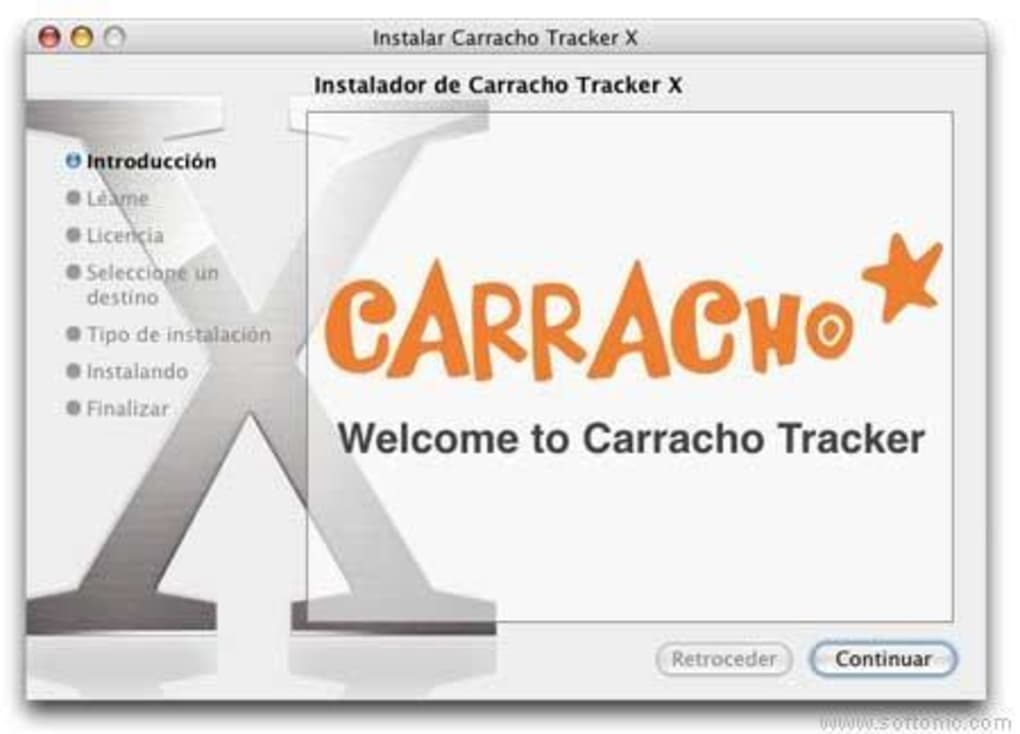
Double‑click the .dmg file to mount the virtual disk. Drag the Carracho Tracker icon into the /Applications folder. macOS may warn you that the app is from an unidentified developer; click “Open Anyway” in System Preferences → Security & Privacy if necessary.
Step 4: Initial Configuration
Launch Carracho Tracker from the Applications folder. The first time you run the program, you will be prompted to add a Carracho server. Provide the server’s IP address, port number (default 5000), and authentication credentials. If you have multiple servers, repeat the process for each entry. The tool stores this information securely in the macOS Keychain.
Step 5: Managing Servers
Once servers are added, the main dashboard displays each server’s status. Use the green “Start” button or the red “Stop” button to control services. Click the “Logs” tab to view real‑time output, or select “Metrics” to see performance graphs. You can also right‑click any server entry to export its configuration or to schedule automated restarts during maintenance windows.
Step 6: Keeping the Software Updated
Carracho Tracker checks for updates once a week. When a newer version is available, a discreet banner appears at the top of the window. Click “Update Now” to download and install the latest release automatically.
Compatibility, Pros, and Cons
Supported Operating Systems: macOS 10.4 (Tiger) through macOS 12 (Monterey). The application runs natively on Intel‑based Macs and Apple Silicon (via Rosetta 2 translation if needed).
Pros
- Free and lightweight, making it ideal for low‑spec machines.
- All‑in‑one dashboard eliminates the need for multiple terminal sessions.
- Secure SSL/TLS connections protect server communications.
- Live log streaming and performance charts provide immediate insight.
- Automatic update notifications keep the software current.
- Easy installation process with clear step‑by‑step guidance.
- Customizable alerts help prevent downtime.
Cons
- Only available for macOS; Windows and Linux users must look for alternatives.
- Interface is functional but lacks modern visual polish.
- English‑only language support may limit adoption in non‑English speaking regions.
- Last major update was in 2009, raising concerns about long‑term maintenance.
- Limited integration with third‑party monitoring platforms (e.g., Grafana, Prometheus).
Frequently Asked Questions (FAQ)
Is Carracho Tracker really free?
Yes, Carracho Tracker is offered at no cost. You can download, install, and use it without any licensing fees or hidden charges.
Can I manage Windows‑based Carracho servers from a Mac?
Absolutely. Carracho Tracker communicates with Carracho servers over the network, so the server’s operating system (Windows, Linux, etc.) does not affect the ability to monitor and control it from a macOS client.
What security measures does Carracho Tracker provide?
The application supports SSL/TLS encryption for all client‑server communications, and it stores credentials securely in the macOS Keychain. You can also enable two‑factor authentication on the server side for added protection.
How much disk space does the program occupy?
The installer is under 10 MB, and the application itself uses less than 30 MB of disk space after installation—making it one of the lighter tools in the Internet Software category.
Will Carracho Tracker work on Apple Silicon Macs?
Yes. Although the original binary targets Intel processors, it runs smoothly on Apple Silicon devices through Rosetta 2 translation. Future updates may include a native arm64 build.
Conclusion & Call to Action
Carracho Tracker delivers a focused, no‑cost solution for macOS users who need to oversee multiple Carracho servers without juggling separate terminal windows or expensive third‑party suites. Its central dashboard, secure connections, and real‑time log streaming provide essential visibility while keeping the application footprint tiny. Although the interface feels dated and the lack of cross‑platform support limits its audience, the core functionality remains solid for anyone already invested in the Carracho ecosystem.
If you run Carracho services on a Mac and value a lightweight, free tool that consolidates server management into a single pane, Carracho Tracker is worth a download. Click the button below to grab the latest version and start simplifying your server workflow today.







